Skills · Working in Multiple Languages
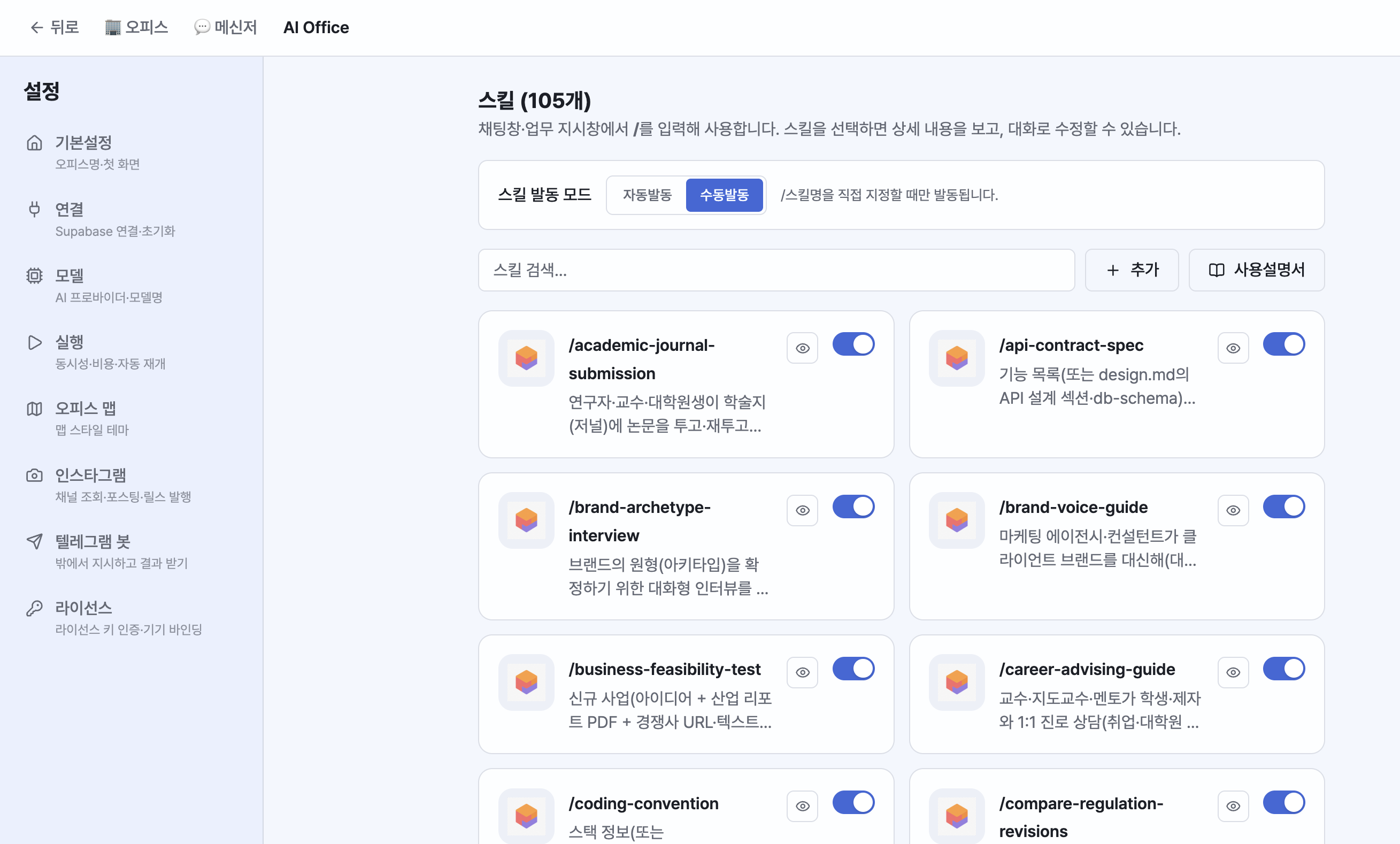
Skills (Built-in · Auto/Manual · Creation)
Manage skills in Settings > Skills.
- 100+ built-in skills: on/off, conversational editing, uploads, and reference file integration.
- Trigger mode (global): Auto = automatically matches the right skill to your instruction; Manual = only when you specify one directly with
/skill. This setting applies to everything at once. - Multi-skill pipelines: Chain multiple skills as steps, like research → report → documentation.
- Skill creation: In the Master chat, use
/skill-creatorto create a new skill or modify an existing one.
Learning loop: Employees build up skills and memory on their own with each task, and improve automatically from 👎 feedback. In the sleep capsule, they can reorganize based on their work history.
Working in Multiple Languages
- Employees reply in the language you ask in. Ask in English and they answer in English; ask in Chinese and they answer in Chinese.
- Tools work no matter which language you instruct in. Korean and English are handled instantly via keywords, while other languages (Japanese, Chinese, Russian, etc.) are handled by AI intent analysis that picks the right deliverable and tool (hybrid routing).
- Switch the interface language between Korean and English in Settings > General.