Meeting Notes · To-Do · Calendar
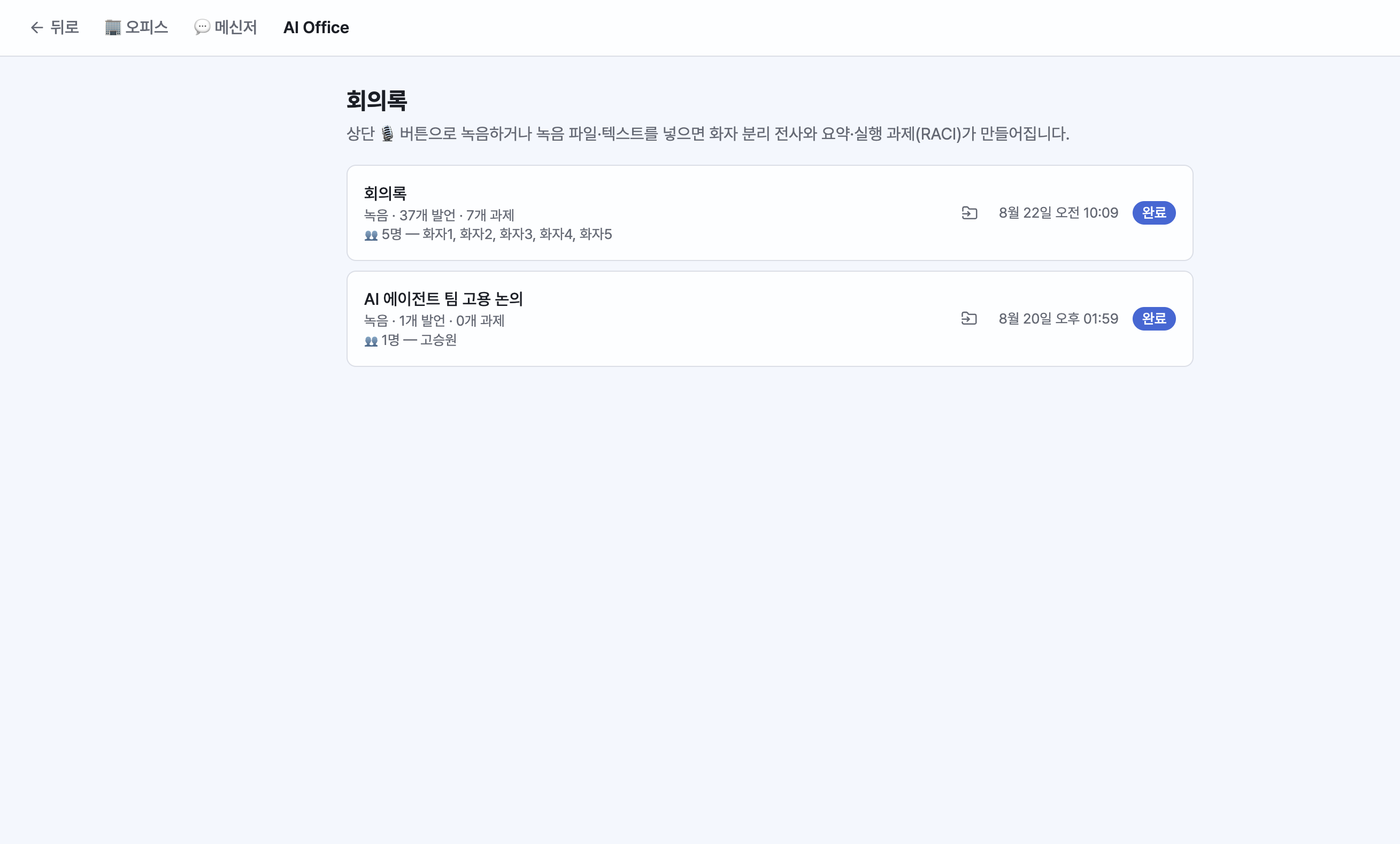
Meeting Notes
In Menu > Meeting Notes:
- Provide input via recording / file upload / pasted text
- Speaker-separated transcription runs automatically (the spoken content appears first)
- Click the [Summarize] / [Organize Tasks] buttons on screen to generate the summary and action items (RACI) at that point.
- Meeting note titles are editable. Check the participant count and names in the list. Organized tasks can be registered as To-Dos.
- Use the 📂 button in the list to move a meeting note into a specific project — view them together under the project's ⋮ menu > Meeting Notes.
To-Do
Supports assigning an employee in charge, instructing directly, and deadline reminders. To-Dos nearing their deadline are announced once a day via desktop notification.
Calendar
Register and check events, and see To-Do deadlines alongside them. On macOS, events from the Mac Calendar are merged into the view.