Creating Document & Media Deliverables
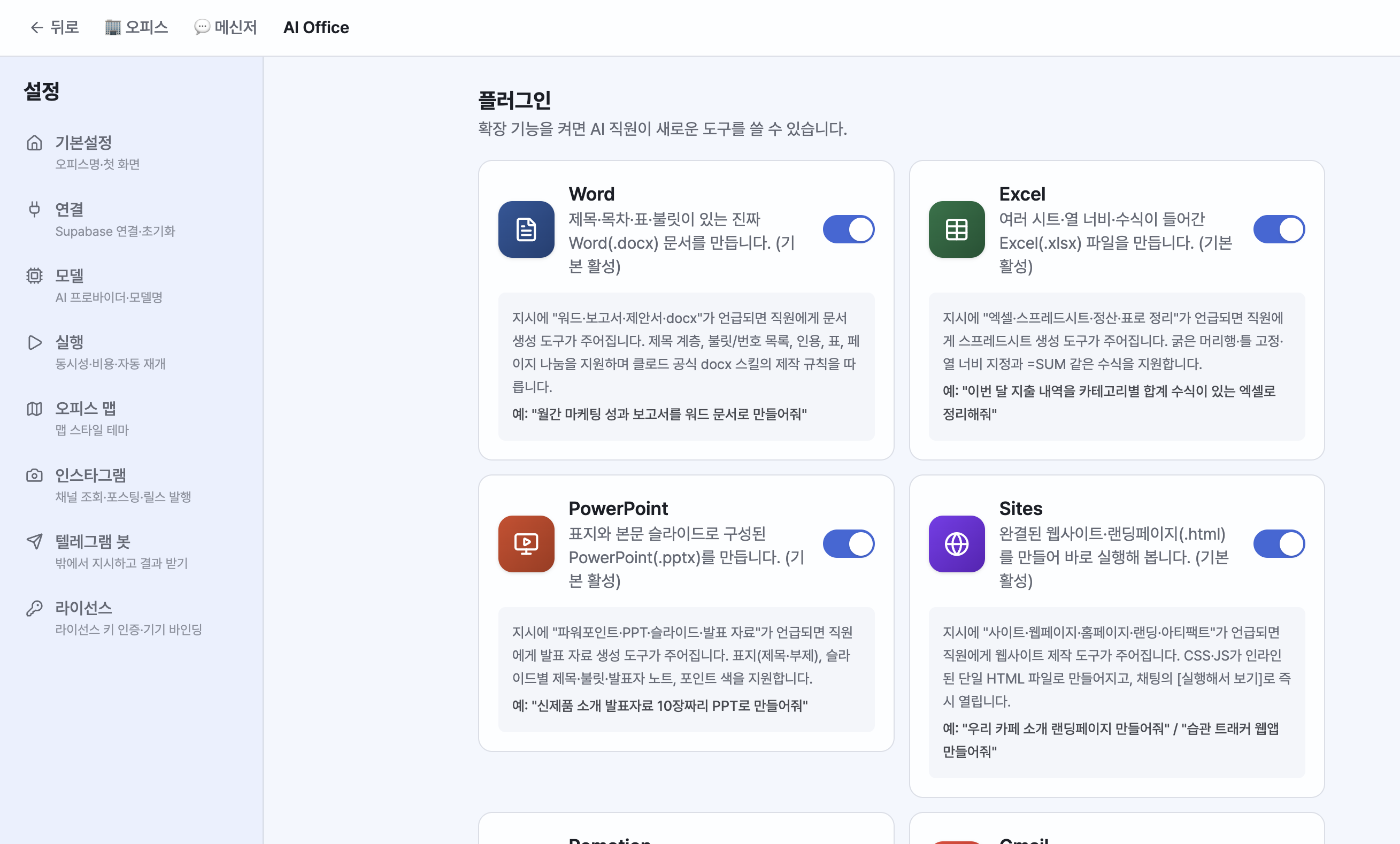
Turn on the plugins you need in Settings > Plugins, and the app will produce real files whenever a matching request comes in. The LLM generates the structure (JSON), and the code renders the file. Deliverables are saved locally first and can be previewed and downloaded right next to the chat.
| Plugin | What It Creates |
|---|---|
| Word | docx — reports and proposals with cover pages, tables of contents, tables, and headers/footers |
| Excel | xlsx — formulas and multiple sheets |
| PowerPoint | pptx — 12 layout types (section covers, stat cards, charts, tables, timelines, comparisons, quotes, highlights, images, closings, and more), 50+ brand themes, automatic planning before creation + pre-render QA, Pretendard Korean font |
| Sites | Complete websites, landing pages, and dashboards (HTML). Previewed next to the chat the moment they're built |
| Video (Remotion) | Infographic, chart, and animated reels/shorts. Automatic storyboard planning before production, with images from earlier steps inserted automatically |
| Music (Lyria) | BGM and song generation (with model and settings selection) |
| Voice (TTS) | Narration and dubbing — listen to samples of 30 voices and choose |
Beyond these, PDF, HTML, and image generation/editing are also supported. Image edit requests continue editing from the most recent image as the source.
Examples
/pptx Create a 2025 business plan presentation. Use an Apple-style theme.(theme keywords are recognized)$excel Organize this sales data into monthly sheets and add total formulas(+file attachment)Make a 30-second vertical reel introducing the new product(Remotion)Create a calm acoustic BGM with these lyrics(Lyria) /Read this sentence with the Kore voice(TTS)
Working folder: You can grant access to a local folder so files there can be read and results are saved into that folder.